Tuition Centre Reports & Insights in TuitionDesk
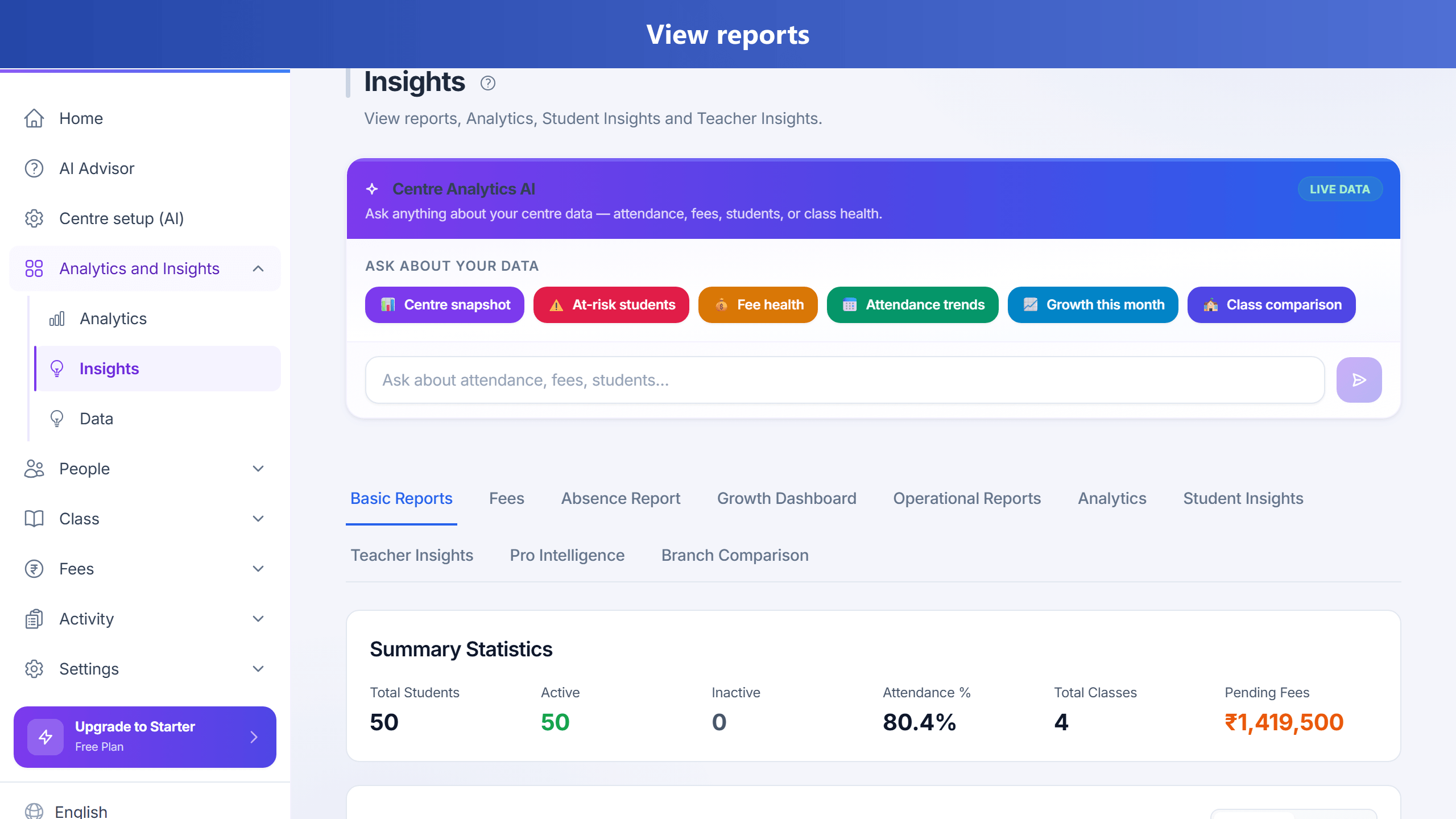
Reports answer “how is my centre doing?” without stitching five Excels at month-end.
Open reports
- Go to Reports (or Insights, depending on your plan menu).
- Pick the report type: attendance, fees, batch summary, etc.
- Set date range and filters, then export CSV/Excel if you need an accountant copy.
Invest-here money views
- Revenue by course and revenue by grade (Basic): collected vs pending so you know where to put teaching capacity.
- Lead conversion by demo teacher (Enquiry): which teachers turn demos into admissions.
- Teacher improvement (Analytics): weak students converted, plus a suggested salary bonus you confirm on Teacher salaries.
- Hours tutoring vs pass rate (Analytics): present hours against tests at/above pass mark.
Owner habit
Every Monday: outstanding fees list + continuous absence list + open retention interventions to mark Saved/Left. On the Absence report, use Open (student profile) or WhatsApp (parent/student phone) so chase is one click — not a spreadsheet export.
Full value-loop guide: Retention, score proof & invest-here · Blog: Where fees clear.