All help guides · Academics
Projected examination score
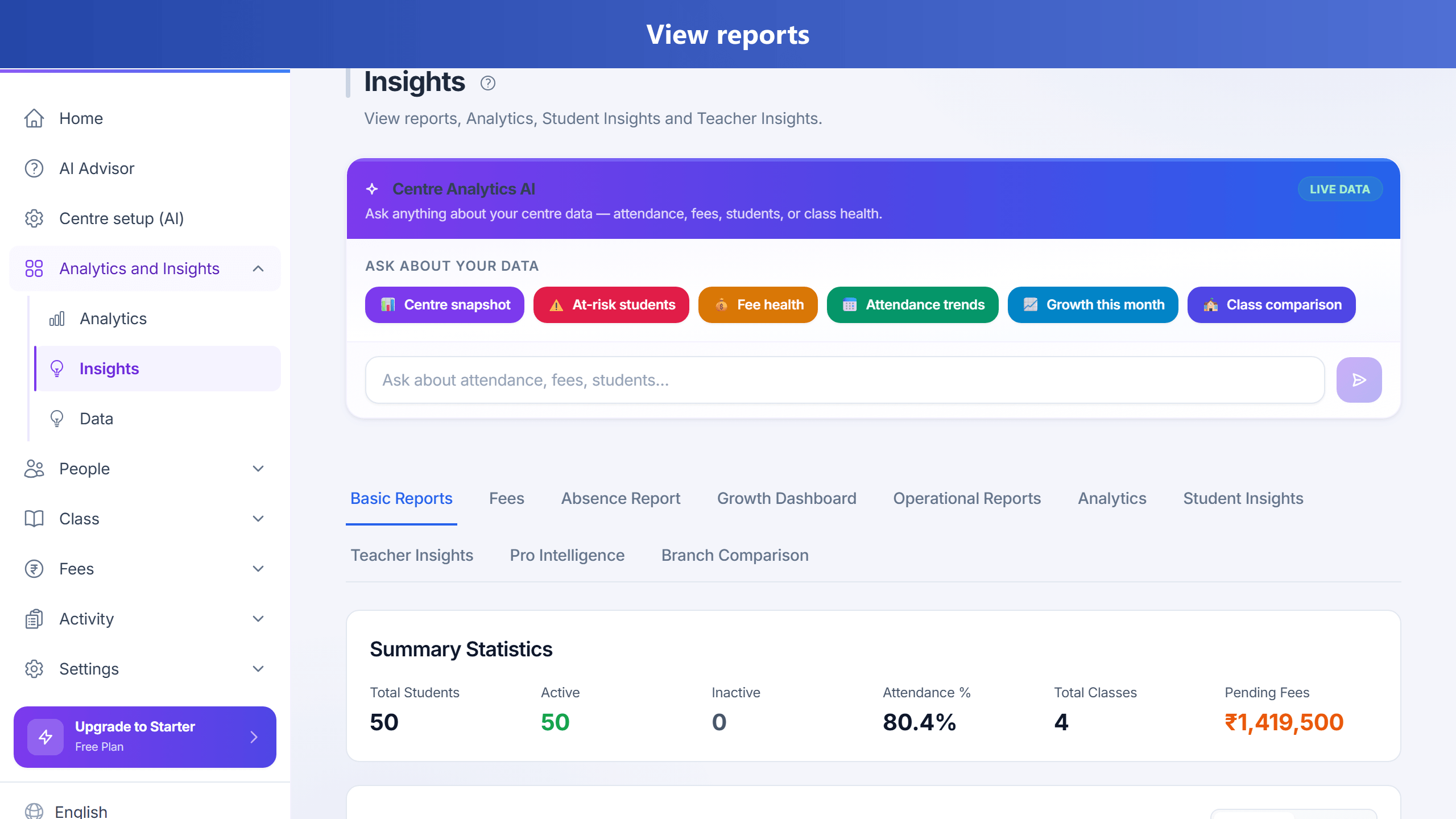
When your centre enables score projections (Growth plan and above by default; TuitionDesk admin can turn the feature on or off per plan), TuitionDesk shows an estimated examination percentage so teachers and parents can act before a student falls behind. This is a planning estimate from recorded data — not a guaranteed final exam mark, and not generative AI tutoring.
What goes into the estimate
- At least three graded tests for the student (practice assessments do not count).
- Up to the latest ten graded test percentages, with newer tests weighted more (~75%).
- Recorded topic mastery / understood topics (~15%), when available.
- Attendance over about the last 90 days (~10%), when available.
If topic or attendance data is missing, TuitionDesk reweights the factors that are available.
Where teachers see it
- Open a student’s Performance tab for the estimate, likely range, confidence, trend, and focus level (LOW / MEDIUM / HIGH).
- On Reports (Insights), teachers see projected scores for students in their own classes, with at-risk students listed first.
- Use Intervene on an at-risk student to log a practice note, message the parent, and open a retention loop.
- Later, mark the intervention Saved, Improved, or Left so you know which students you kept — not just who you messaged.
Score proof (62% → 78%)
Performance also shows a plain first → latest test percentage for the same student. Parents see the same strip on the parent portal Performance tab, and weekly digests can include that line in the narrative.
Exact skills to practice
When assessments use tagged questions, Performance lists skills with the highest miss rate (for example “Fractions: missed 4/5”). Use that for the next practice plan instead of a vague “needs maths help”.
Where parents see it
- Sign in to the parent portal.
- Open the child → Performance.
- Review the projected percentage, range, and focus level for that child only.
When parents get a push notification
Parents may receive a push when the estimate:
- first becomes available, or
- changes by about 3 or more percentage points, or
- moves to a different risk band.
Updates can fire soon after staff enter or change graded marks, and a background job also reconciles projections periodically. Opening the notification takes the parent to that child’s Performance view. TuitionDesk does not send these alerts just because someone opened a report page.