Partial payments and equal split on remaining months
For tuition centre owners: step-by-step scenarios you can also ask in Ask TuitionDesk AI on the in-app Help page (after your admin syncs help docs).
See the full Fee and billing scenario playbook for all Supported / Partial / Not covered cases.
Ask AI vs doing it in the app
Ask TuitionDesk AI answers from official help articles only. It does not record payments, access your bank, or run API calls on your behalf. Your browser session is for using TuitionDesk normally.
To actually collect money in the system: open the app, go to Fees, select the student,
and use Record payment or Outstanding. Developers and integrations can use the
authenticated HTTP API (while logged in, use API documentation from the app, or the OpenAPI schema
at /openapi.json); day-to-day owners do not need this.
Scenario 1: Large total due (e.g. ₹20,000), parent pays part now (e.g. ₹10,000)—split the rest equally on remaining months
- Go to Fees → Fee plans (Fee schedules).
- Open the fee plan that generated those instalments (per student or per class).
- Turn ON “Rebalance future instalments after each payment” and save.
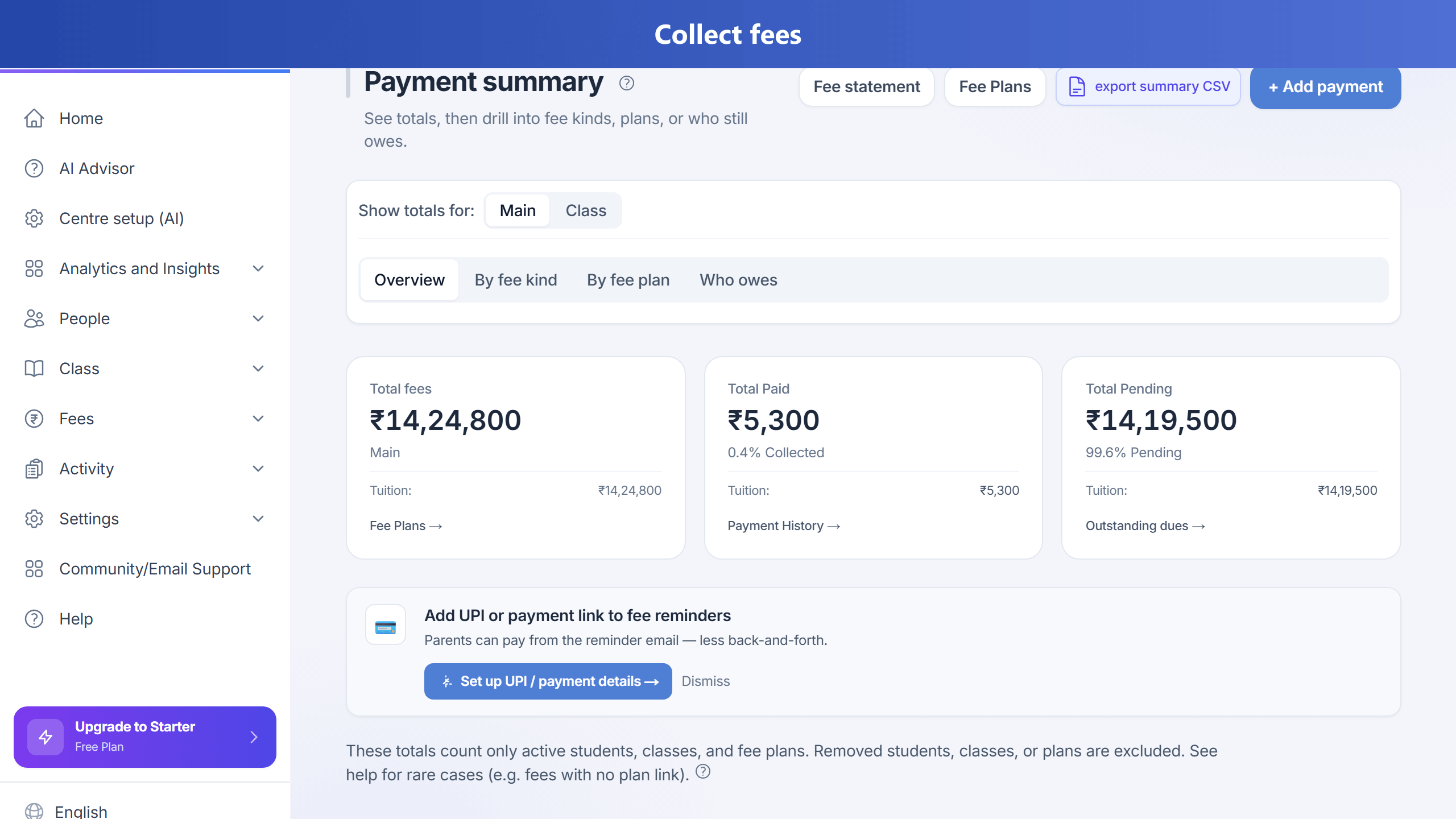
- Go to Fees → Outstanding or Fees → Payment summary (pick the student view), or start Record payment.
- Select the student, enter the amount paid (e.g. ₹10,000), payment date, and method; save.
What happens: The payment is stored on the fee ledger. With rebalance on, the system takes the remaining balance across open fee lines for that plan whose due date is on or after the payment day (calendar day, UTC) and splits it evenly across those lines by adjusting each line’s amounts so each future instalment shows a similar balance due. Lines that were already due before that day are not reshaped by this rebalance.
Where to check: Payment summary (student invoice), Outstanding, or Fee statement.
Scenario 2: Partial payment but fixed EMI on each line (no reshuffle)
Leave rebalance OFF on the fee plan. Record the partial payment against the correct fee line(s). Remaining balance stays on those lines (for example PARTIAL or OVERDUE) without redistributing amounts across future months.
Scenario 3: Pay only part of one month’s instalment
Record a partial amount on that month’s fee line. The line stays partial until the rest is paid.
Scenario 4: Parent pays online
After the payment gateway confirms, the same rebalance rules apply if the fee line belongs to a plan with rebalance enabled.
How this helps your centre
You can match real collections (including lump sums) while keeping equal remaining dues on future instalments when rebalance is on—clearer for parents and staff.