Fee and billing scenario playbook
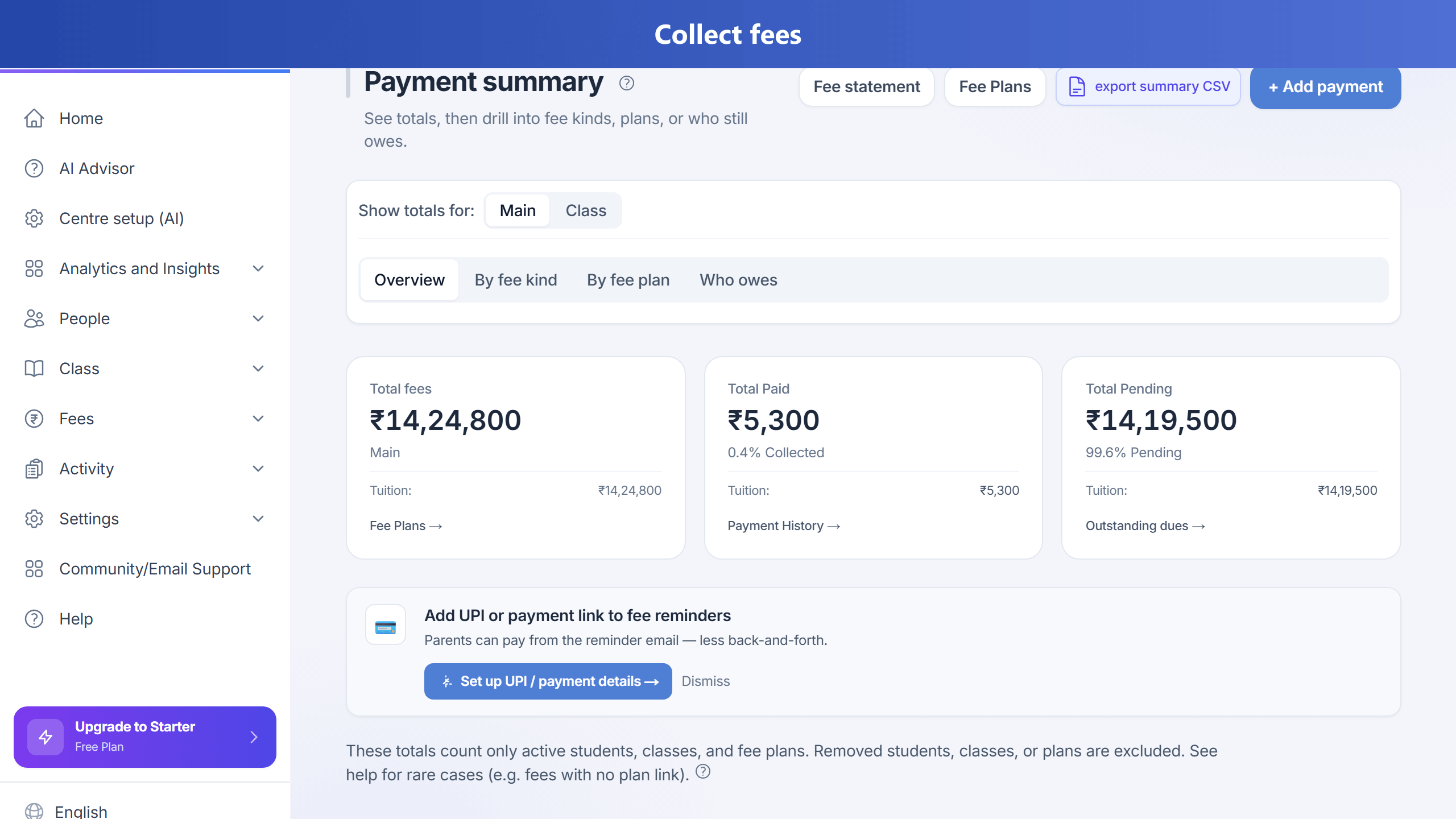
This page maps common finance scenarios to Supported, Partial (workaround), or Not in product behaviour in TuitionDesk. The product treats each fee line as a due amount (there is no separate invoice document lifecycle). Use the in-app Help → Ask TuitionDesk AI after your admin has synced help docs.
Related: Partial payment & rebalance · Outstanding dues · Fees hub
Mental model
- Due line: Each row in Fees is a Fee record (amount, due date, status).
- Payment: Record payment applies cash to pending lines—by default oldest due date first. Pass a specific fee line when you must pay a future month before an older one.
- Split across remaining months: Optional rebalance future instalments on the fee plan (see the partial payment guide).
- Accounting: Full double-entry general ledger and trial balance are not built-in; use exports and your accountant if needed.
Fee and billing
| Scenario | Coverage | What to do |
|---|---|---|
| Mid-month enroll → prorate | Partial | No automatic day-proration. Use manual due with adjusted amount, edit line, or separate short plan. |
| Student switches batch | Partial | Generate fees for new batch where applicable; void or settle old batch lines manually—no single transfer wizard. |
| Custom fee vs batch | Supported | Per-student fee plan vs batch plan under Fee schedules. |
| Admission + monthly | Supported | One-time/admission via record payment or OTHER schedule; monthly via recurring plan. |
| Discount after line exists | Partial | Line discount fields or discount on record payment; plan amount changes can refresh upcoming lines. |
| Scholarship ₹0 but line/receipt | Partial | Waive, full discount, or waived status—still a Fee row. |
| Yearly plan, pay monthly | Mismatch | Yearly frequency creates yearly dues; use monthly plan or partials + notes. |
| Plan amount changes mid-year | Mostly | Upcoming fee lines can update; past lines not bulk-rewritten by default paths. |
Payments
| Scenario | Coverage | Notes |
|---|---|---|
| Partial payment | Supported | PARTIAL / allocations. |
| Overpayment | Supported | Handled in flow; not a named parent “wallet.” |
| One payment, many lines | Supported | Single record payment walks lines by due date. |
| Auto allocation | Supported | Oldest due first; target one line with fee id if needed. |
| Cash / UPI manual | Supported | Record payment. |
| Online webhook delayed / missed | Ops | Reconcile with gateway; duplicates may be ignored. |
| Wrong student | Manual | Void / adjust and re-record. |
Receivables, invoice-style, ledger, payroll
- Defaulters: Operational reports (e.g. repeated defaulters) use counts of pending/overdue lines—tune threshold to your policy.
- Invoice PDF lifecycle: Fee lines + receipts; not a separate invoice module.
- GL / trial balance: Not built-in.
- Teacher payroll (per session, per head): Not a payroll engine—use external payroll.
Ask AI and syncing help (for admins)
After new help articles are deployed, a super-admin should run help docs sync so embeddings match the database (e.g. admin API POST /api/admin/help-docs/sync—see your deployment docs).
Until sync runs, Ask AI may not retrieve this playbook.
Optional product backlog (engineering)
Not commitments—ideas for future releases: idempotent record payment, calendar proration, batch-transfer wizard, student credit wallet, general ledger phase, dedicated fee pause, stronger duplicate-click protection.