How to Add Teachers and Give Staff Login Access
Never share the owner password. Teachers get their own login so they mark attendance and notes — you keep fees and settings.
Add a teacher
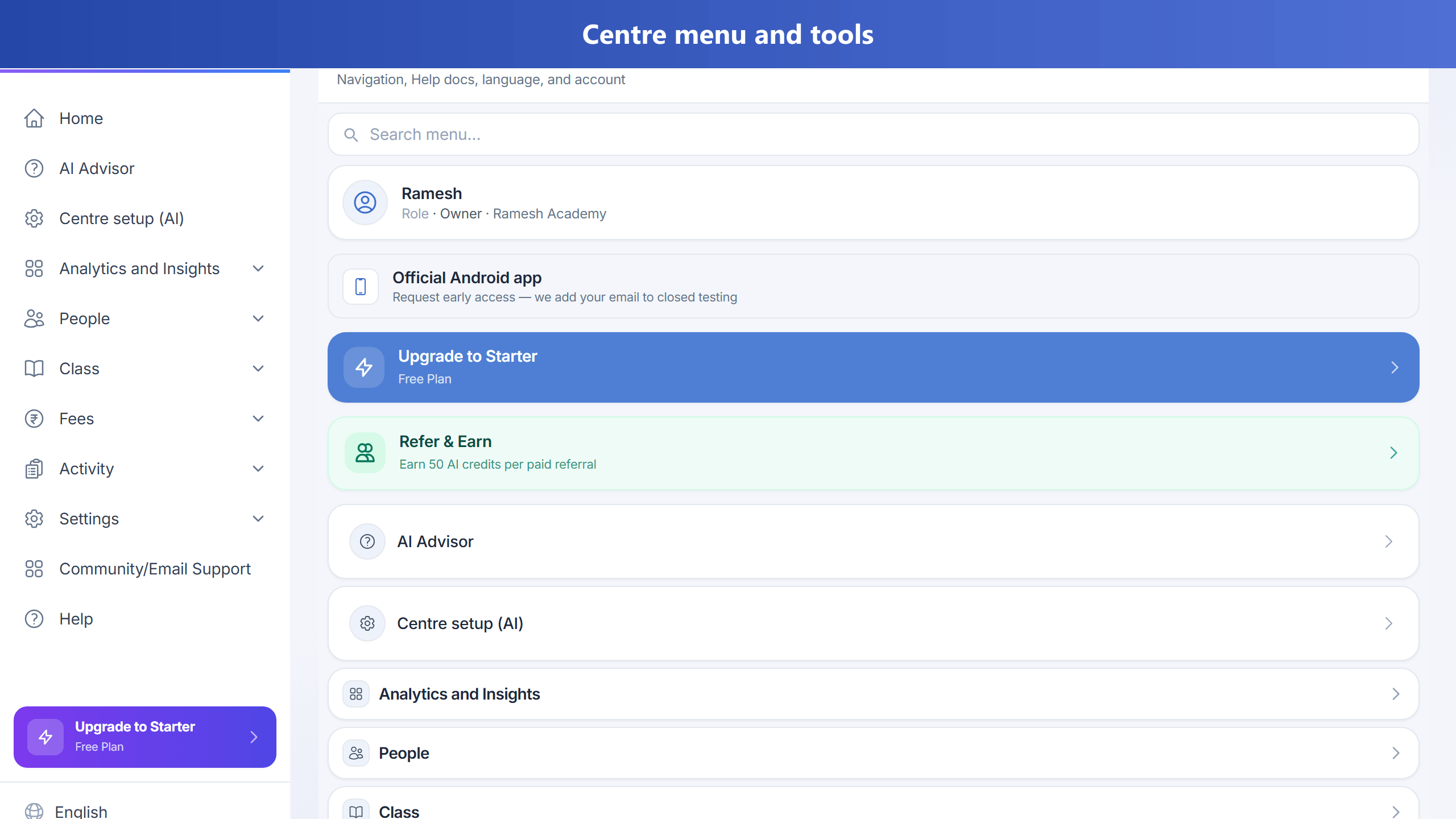
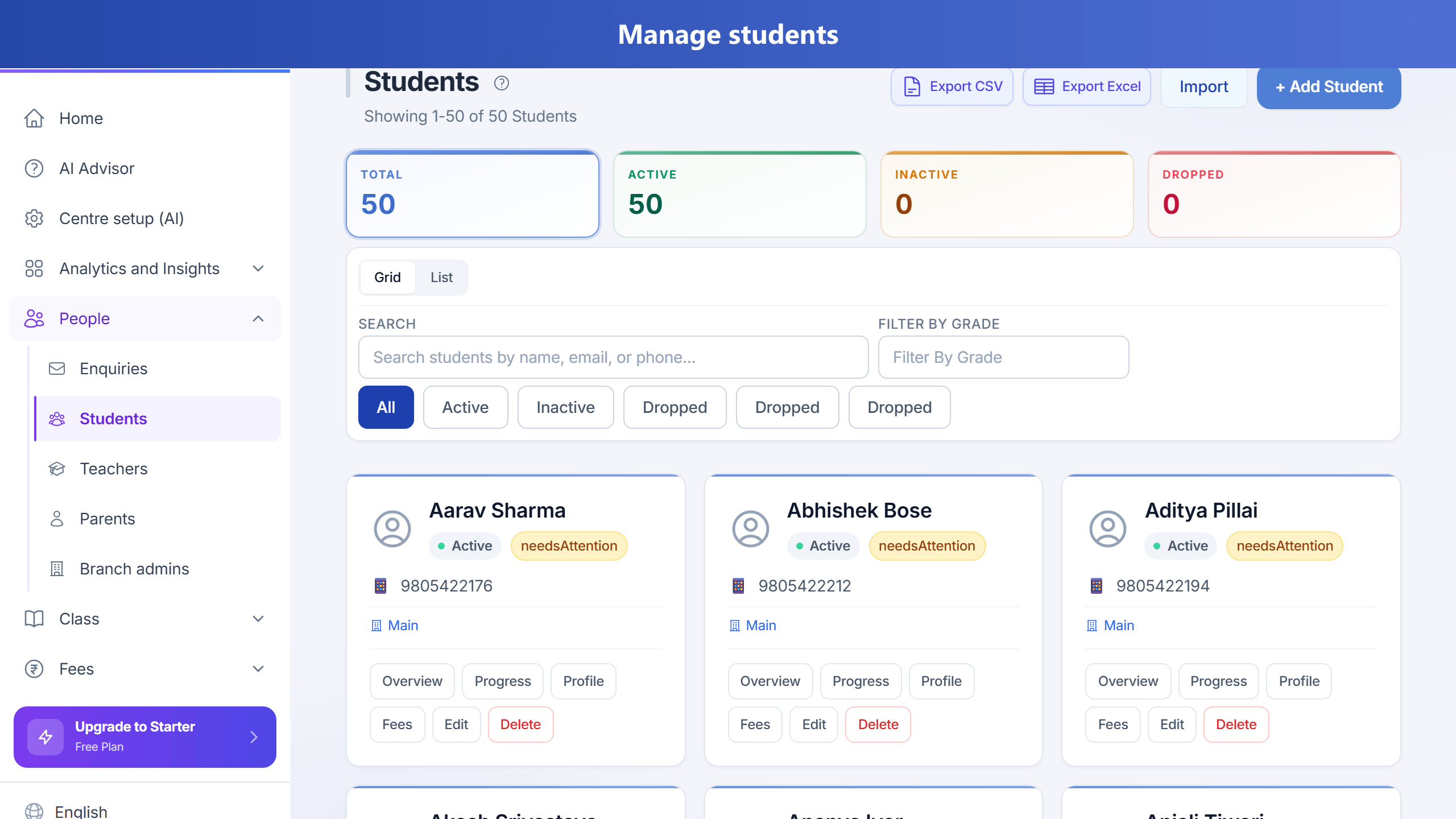
- Go to Teachers → Add Teacher.
- Enter name, phone (country dial code + number, same as students), and email. Save.
- Open a Class → assign that teacher.
- Give login access from the teacher profile (email invite / password as your centre uses).
- On the teacher profile Employment tab, salary rates (including rate per session) use your centre’s currency — the same symbol as Fees, not a hardcoded rupee.
What teachers can do
- Mark attendance for assigned batches
- Session notes and homework (when enabled)
- Not: void payments, change org settings, or see other teachers’ private data