 TuitionDesk
Org setup
Choose Driving school
Pick Driving school when you create your centre. Vehicles, instructors, lesson slots and licence stage appear in your menu, and your country sets the currency, payment method and time zone.
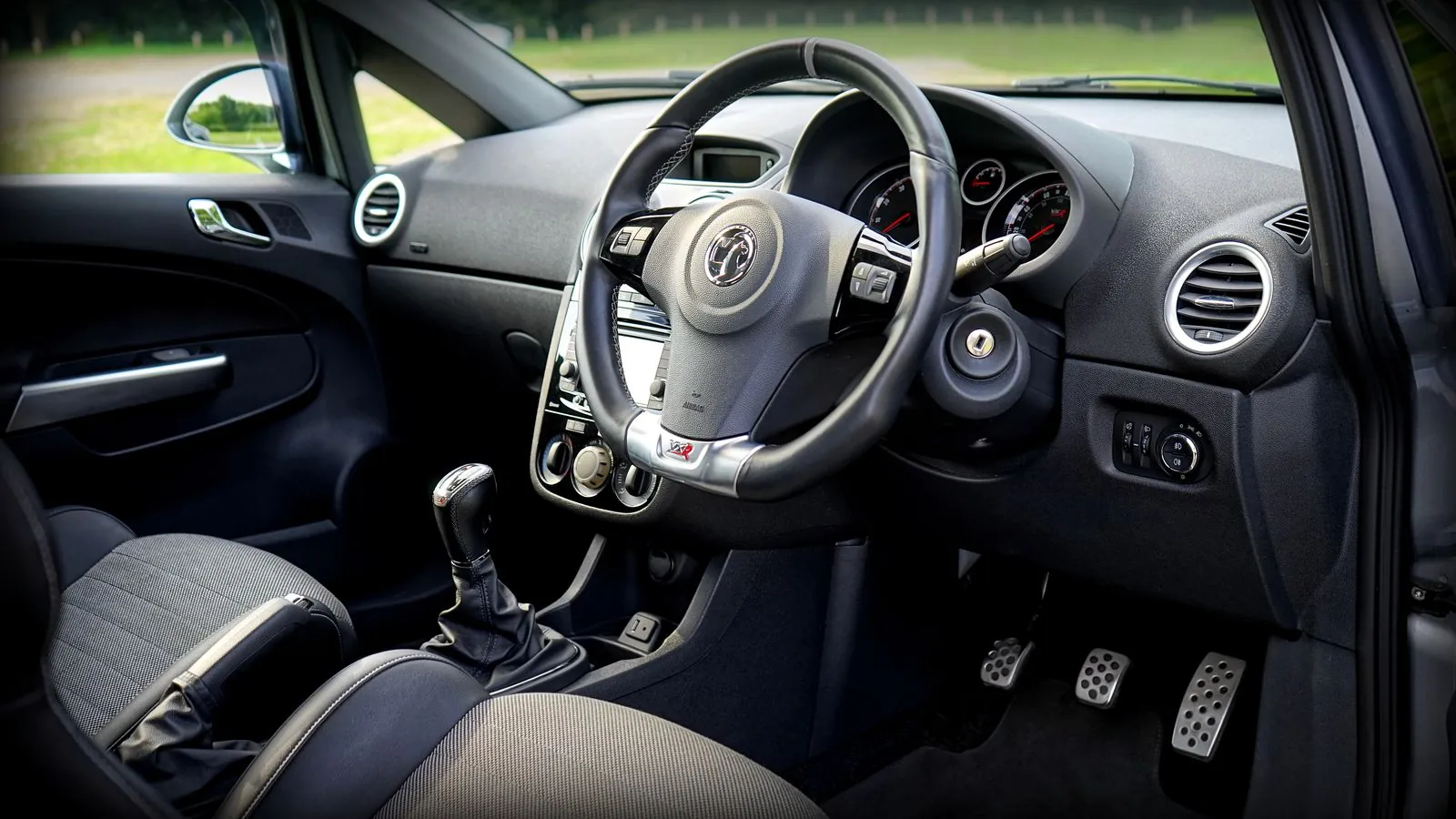
Stop running lessons from a paper register and a WhatsApp group. Add your cars and instructors, schedule lessons that cannot clash, see every learner’s licence stage and next lesson, and let instructors mark each lesson done from their phone.
The same 5 steps for a one-car school or a school with a dozen cars. Set up once, then run your week from one screen.
Pick Driving school when you create your centre. Vehicles, instructors, lesson slots and licence stage appear in your menu, and your country sets the currency, payment method and time zone.
Add each vehicle and each instructor. They appear in their own lists and can be assigned to lesson slots straight away.
Create a lesson slot with an instructor, a vehicle and a learner. If the instructor or the car is already booked at an overlapping time, TuitionDesk refuses to save it and tells you which one is busy and when. The same instructor on two lessons that do not overlap saves fine.
Set each learner’s stage (learner, provisional or test-ready) and record how many lessons they have completed. The learner’s card shows the stage, the lessons done and the next scheduled lesson. When you book a driving test, record the test date on the learner yourself.
Instructors open Today on their phone and see their lessons with the vehicle and the learner. One tap marks a lesson Done or No-show, and you see the change without refreshing. Lesson fees use the same fee dashboard, plans and receipts as the rest of TuitionDesk.
Every school below runs on the same TuitionDesk account. Pick the one that looks like yours.
One login runs everything: lesson slots, learners, licence stages and fees. The Free plan covers up to 10 learners at no cost.
One instructor drives two cars on different days, and two instructors share one car. TuitionDesk blocks a lesson the moment it would put an instructor or a car in two places at once, and the message names the one that is busy.
The owner moves the learner to test-ready and records the test date. The learner’s card shows it next to the lessons done. The test booking itself is made with the licensing office, as before.
Paid plans add learners and logins as your school grows. The driving school features are on every plan, so you start with the same screens at any size.
No. If an instructor or a vehicle is already booked at an overlapping time, TuitionDesk refuses to save the lesson and tells you which one is busy and when.
Learner, provisional and test-ready. You set a stage on each learner and record how many lessons they have completed.
Yes. An instructor opens Today on their phone, sees their lessons with the vehicle and learner, and taps Done or No-show. The owner sees the update without refreshing.
No. There is no live connection to those systems. You book the test as you do today and record the test date on the learner in TuitionDesk.
Yes. The driving school features are on every plan. The Free plan covers up to 10 learners at no cost, and paid plans add learners and logins.
With the same fee dashboard, plans, instalments and receipts as every TuitionDesk centre.
Free plan for up to 10 learners, no time limit, no credit card required.
Get Started Free →More workflows: Tuition & coaching centres · Sports academy · One-to-one & online tutors · All guides