How to Sign In to TuitionDesk (Owner, Teacher, Parent)
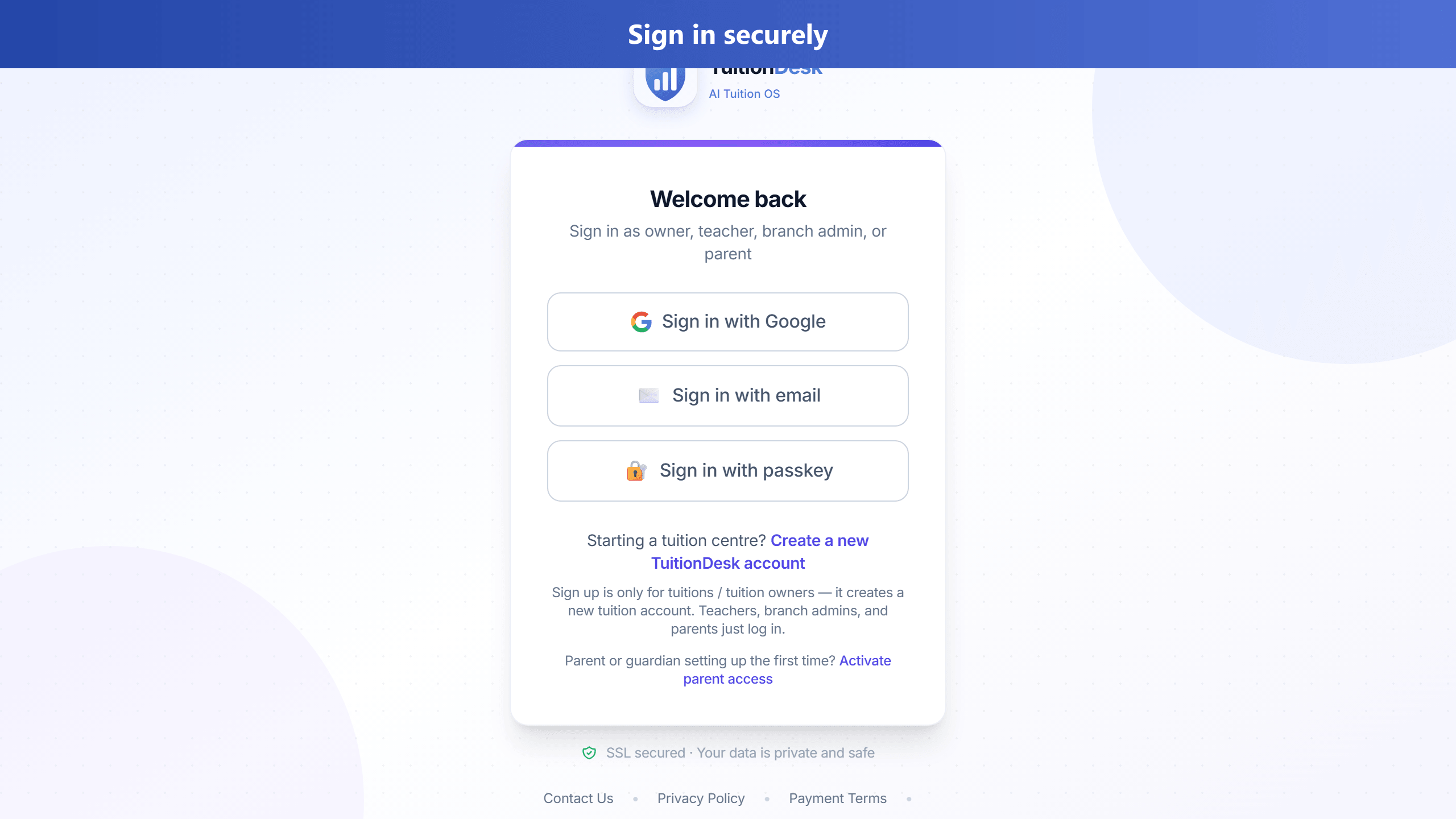
Everyone uses app.tuitiondesk.in/login. After sign-in, pick the role for this session.
Owners & teachers
- Open the login page on phone or desktop.
- Sign in with email/password, Google, or passkey (as enabled).
- If you have more than one role or centre, use Continue as / Switch account.
Parents
Parents use the same login after the centre adds their email. Prefer the welcome email link. Details: Parent portal help.