Syllabus mentor: topics covered & teaching pace
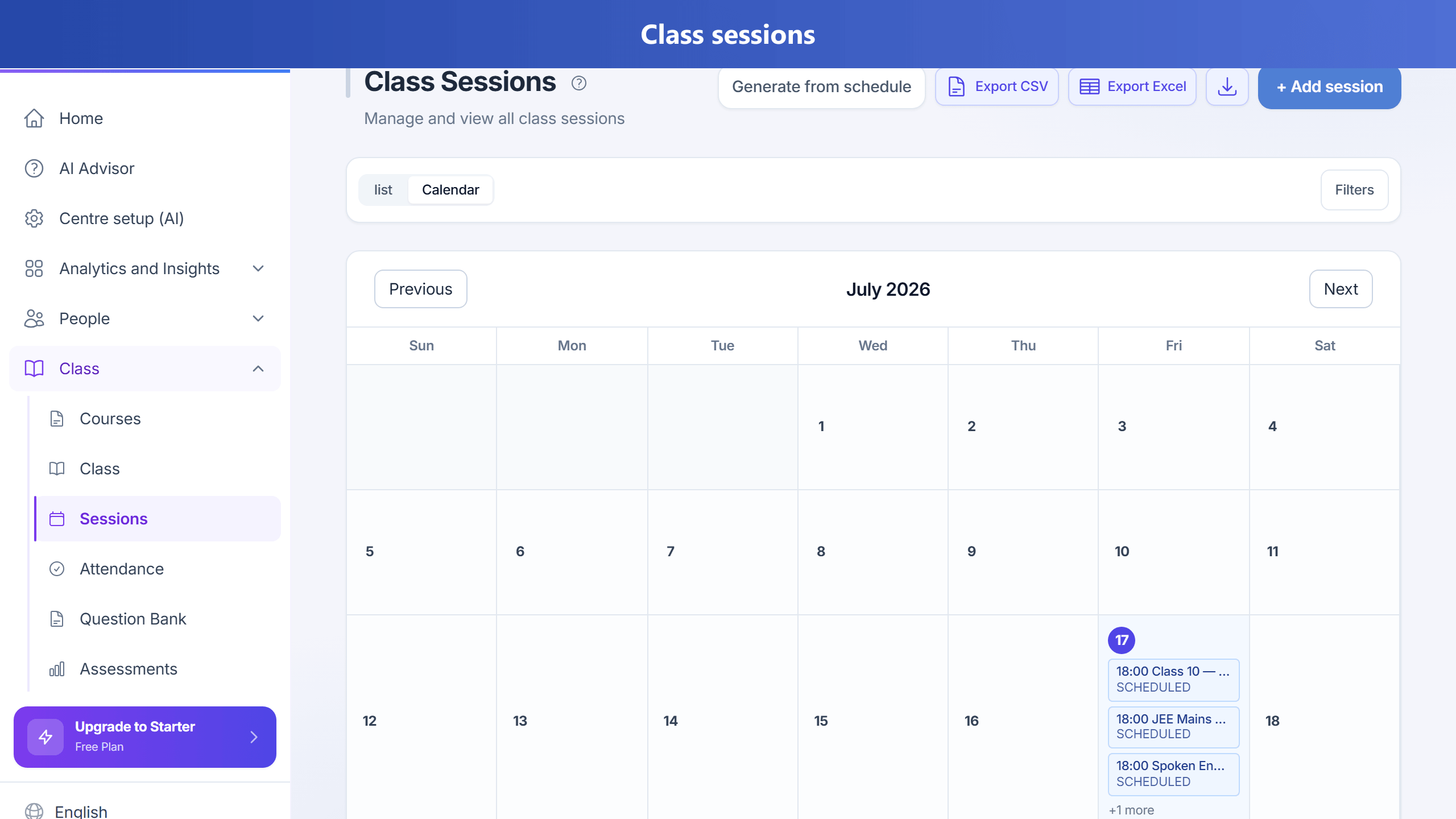
When your plan includes syllabusMentor, tutors can mark a class complete and record Topics Covered from your syllabus. TuitionDesk updates student topic progress and (with a teaching plan) shows whether the class is on track, behind, or ahead.
Plan topics for a session
- Go to Sessions.
- On a scheduled session, click Plan topics.
- Tick syllabus topics to teach, then Save plan & notify.
If your centre enables optional Grade / Level, TuitionDesk filters available topics to match the class’s Grade/Level, plus universal (blank) topics.
Also open Classes → Teaching plans (/teaching-plans) for pace attention and to create an ordered plan for a class + subject.
Owners can hide Teaching plans from the menu under Settings → Centre features → Topics & teaching plans (plan entitlement still required).
The class teacher receives a push notification and email so they know what to prepare.
Today & tomorrow (teacher Home)
On Home, teachers see a Today & tomorrow diary:
- Today — classes and topics already marked covered (and anything still planned).
- Tomorrow — what to prepare (planned topics), or a prompt to plan topics if none are set yet.
Links open Sessions so you can Complete or Plan topics for that class.
API: GET /teaching-plans/day-prep.
Every evening (~7 PM in your centre timezone), teachers with classes tomorrow get a push: either the planned topic names, or a nudge to plan topics on Home / Sessions.
Complete a class with topics
- On the session, click Complete (or Topics if already completed).
- Tick topics covered; optional remarks / next topic.
- Click Save & complete.
Session becomes COMPLETED. Students in the class get those topics marked Understood (Mastered) on Progress — so course % and topics covered update automatically. Subjects for those topics are assigned if missing. Topics already flagged Needs revision stay that way until a recovery score or a teacher clears them. Manual status changes by owner / teacher / branch manager lock auto-updates until staff change the badge again.
Topic status is also derived from evidence:
- Assessment / test with a single topic — ≥70% → Understood, <50% → Needs revision
- Homework with a topic + marks on review — same thresholds
- Manual — Progress tab badges (owner, teacher, branch manager)
Alerts for owner and tutor
Daily (about 9 AM in your centre timezone), TuitionDesk checks teaching-plan pace and missed planned topics. When something needs attention (behind schedule, rushing, or planned topics not marked covered):
- Push to the tutor and owner (Android app)
- Email — “Needs your attention”
- WhatsApp when the centre has WhatsApp enabled
Class insight (AI) on the class page also surfaces syllabus pace and attention items.
API: GET /teaching-plans/attention.
Teaching plans (manual)
Create an ordered teaching plan for a class + subject via the API or upcoming Teaching plans UI:
ordered topics, optional target dates / end date. Pace snapshot compares planned coverage vs topics
actually recorded when classes were completed (ON_TRACK, BEHIND, AHEAD).
What comes next
- AI-generated teaching plans from your syllabus and remaining sessions.
- Evening push for tomorrow prep opens Sessions filtered to the relevant class.
- Needs attention on Teaching plans links straight to the session that needs topics marked.
- Inactive plans unused for 30+ days are hidden from the main list (ACTIVE plans stay visible).
- Owner/tutor mentor dashboard: where you are going slow or rushing, and risk to student results.
Permissions (who can do what)
syllabus.view— see coverage, pace, attention (owner + teacher)syllabus.complete/syllabus.complete.own— mark topics after class (own = teacher’s classes)syllabus.plan/syllabus.plan.own— plan topics before class on Sessionssyllabus.plans.manage— create/edit teaching plans (owner by default; grant on the teacher role in Admin → Roles if teachers should add plans)
Teacher sign-in uses the system teacher role permissions (even though teachers do not have an Account UserRole).
After changing teacher permissions, teachers may need to refresh or wait a few minutes for cache. Plan feature
syllabusMentor and Centre features → Topics & teaching plans must also be on.
Plan feature
Admin enables syllabusMentor per plan (Admin → Plan configuration). Default: Starter and above.
Related: academicProgress (student topic status), session notes PDF (sessionNotes).