Simple fee plan setup
From Fees > Fee plans > Add fee plan or Create first fee plan (or + Fee plan on a class card), centres with the feature enabled see a short multi-step wizard: Who → Fee → Schedule.
On the Fee step (for a fixed course fee), choose how often each payment is due first — large buttons for Every month, Every week, Every 2 weeks, Every 3 weeks, Every 4 weeks (~13/year), quarterly, or yearly. Then choose Total course fee (split into payments) or Per payment (enter amount each due — e.g. S$737 every 4 weeks × 13, or S$800 every month × 12). With total fee you can add optional discount and pay now (single student). Then answer one count question: How many payments? (same idea as instalment count — one number, not two). For every 4 weeks the counts are 4-week periods such as 6 / 8 / 10 / 13 · ~1 year — not “12 calendar months”.
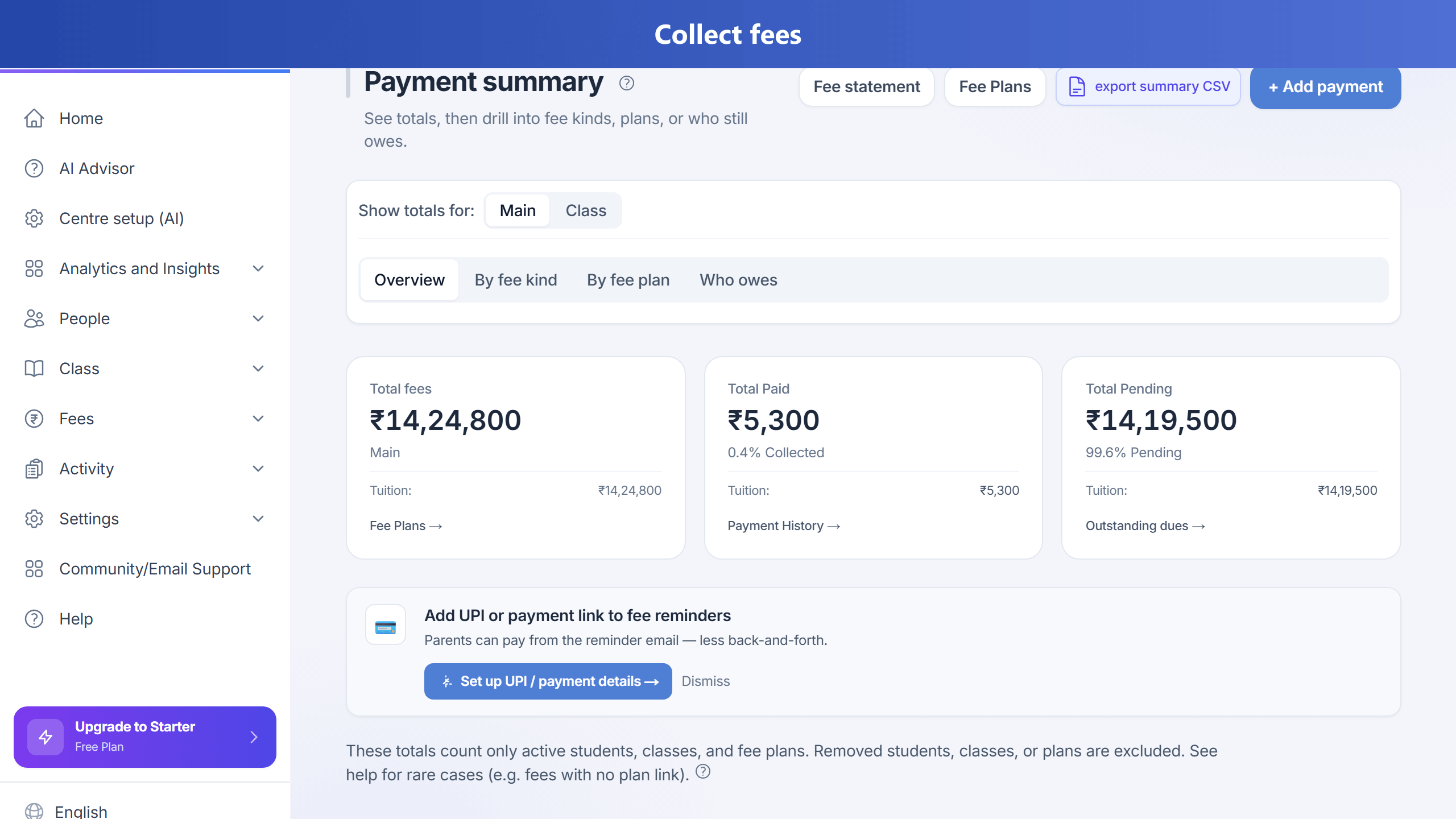
On Schedule, set first due date (saved as YYYY-MM-DD), optional course end date (max 1 year from start; leave blank to end on the last instalment), due day of month (monthly-style only — hidden for week-based plans), and (on larger screens) grace period. Saving the plan creates the due fee lines immediately (e.g. weekly × 52), so Home and Outstanding are not left at ₹0. On the Plans list, use View fee lines to see every instalment for that plan, or Record payment / Outstanding to collect. You can still use Generate fees later to fill gaps; generating again on a finished plan does not add extra instalments. Upfront amounts use the normal payment flow; the plan is stored as a standard fee schedule for reports and reminders.
If you return to the Plans list after an error and Create first fee plan seems to do nothing, use Add fee plan again — the app reloads the create wizard with ?action=add (required for static export). Prefer the in-app button rather than an old bookmark that uses /fees/schedules?action=add without the slash before ?.
Centres in Malaysia (and other DD/MM countries) should keep Country of operation set to Malaysia in Settings so currency is RM (MYR), timezone is Asia/Kuala_Lumpur, and dates use day/month order. First due date is always saved as YYYY-MM-DD to the API (local calendar day — not UTC), so early morning KL time does not shift to the previous day.
Limits
Monthly-style instalment count is capped at 12 for a 1-year plan; week-based plans allow more period counts (up to ~52 for weekly). A fee plan with an end date cannot exceed 1 year from start (shorter is OK). Fee generation creates lines within the plan end (and about 12 months ahead for open-ended runs).
Who can use it
Your organisation’s subscription must include the Simple fee plan setup feature (admins can toggle it per plan).
View pricing and features · Open Fee plans in the app · Why TuitionDesk · vs Fedena · vs Proctur