Class recording and revision video links
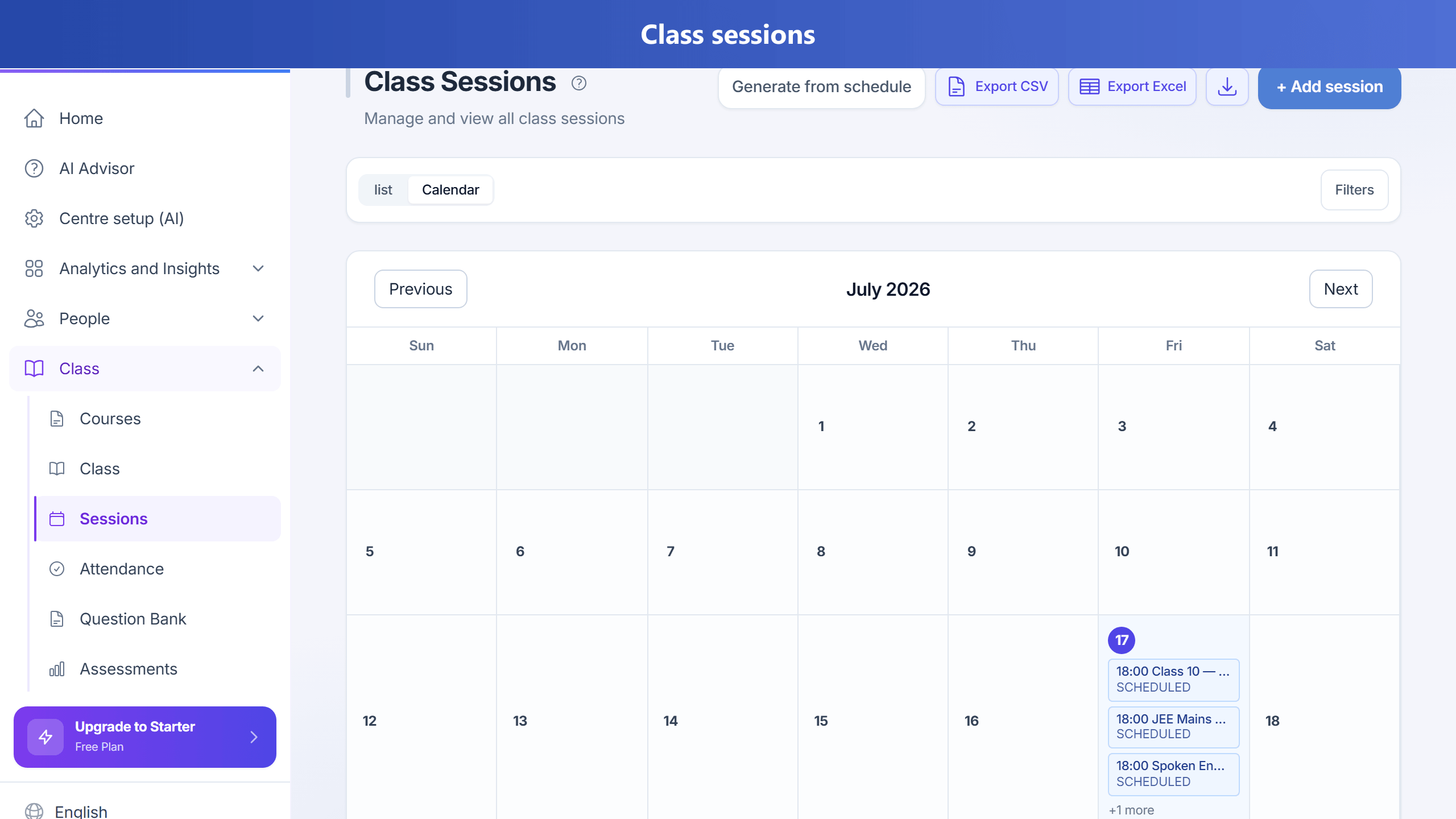
On Growth, Pro, and Enterprise (sessionRecording), you can attach an optional
external class recording or short revision video to a session. TuitionDesk stores the URL
(and optional label) — it does not host full classroom video files or provide DRM streaming.
Recommended hosts
- YouTube Unlisted
- Google Drive / OneDrive share links
- Vimeo
- Zoom or Google Meet recording share links after an online class
Prefer short revision clips (about 5–20 minutes) plus session notes, topics covered, and homework. Most offline centres do not need cameras in every room; optional links cover missed classes and exam revision without the cost of a video CDN. The same external links can also be attached as a list on homework (with optional access-until date) so parents open catch-up videos from the Homework tab.
How to attach a link
- Open Sessions.
- When adding a session, fill Class recording / revision video if shown for your plan.
- Or use Add video / Edit video on the list row or calendar day sheet.
- Paste the https URL and an optional label (e.g. Revision — Chapter 3), then save.
Parents
When a recording URL is set, parents can open it from the child’s schedule in the parent portal. Live Join meeting links (Zoom) are separate and use the video conferencing feature.
Plans
Admins enable sessionRecording per tier under Admin → Plan configuration.
Defaults: off on Free/Starter; on for Growth, Pro, and Enterprise.