Flexible payment (pay any amount anytime)
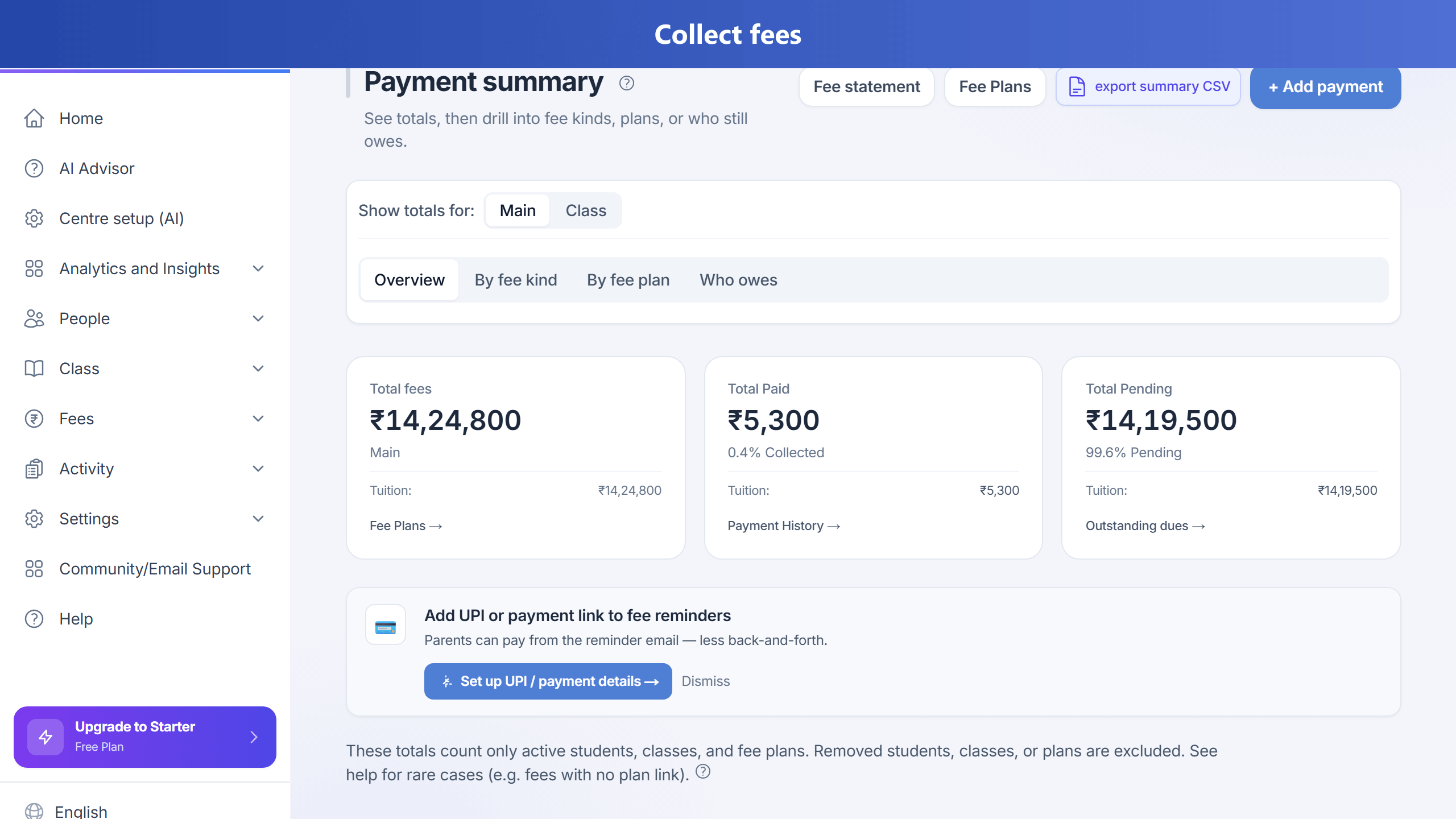
Open Fees > Record payment, choose a student, and enter any amount. TuitionDesk previews how money is allocated to oldest dues first, then newer dues. You can use quick actions like Pay Full Remaining and Pay Next EMI Only.
For several students (for example siblings), switch to Several students (split), tick at least two children, enter one total, and pick Auto (share by each child’s pending balance) or Manual amounts. One shared payment batch links every leg for reconciliation.
After submit, you get instant feedback: paid now, previously paid, remaining balance, next due amount/date, and status (partially paid, fully paid, or overpaid credit).
This flow uses the same fee module APIs and keeps summary, statement, reports, and dashboard consistent.
Why TuitionDesk · vs Fedena · vs Proctur · Best coaching software · Marketing home