Community/Email Support
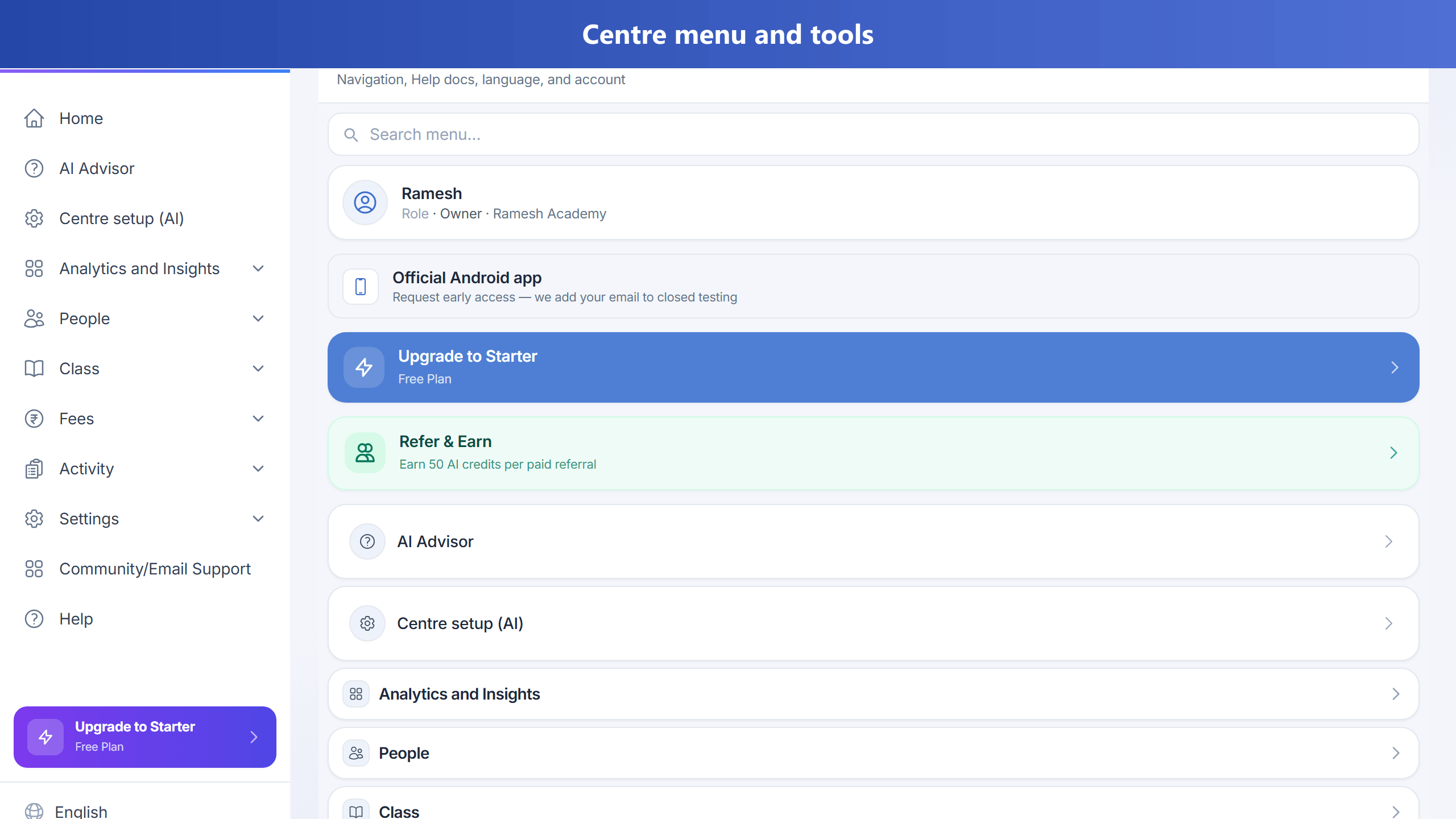
Use Community/Email Support (in the left sidebar on a computer, or Menu on a phone) to raise an issue, attach a screenshot, and track status. TuitionDesk reviews requests and replies by email.
This feature is available on paid plans (Starter and above). Owners can confirm it is enabled for your plan
under Admin → Plans → Community/Email Support (supportTickets).
Raise a request
- Open Community/Email Support.
- Click New request.
- Add a subject, description, optional page URL, and screenshot.
- Submit — you will get email updates as we respond.
Android early access
To join Android closed testing, open Community/Email Support and use the Android early access card (or start a request with subject about Android early access). We add your account email to the tester list.